
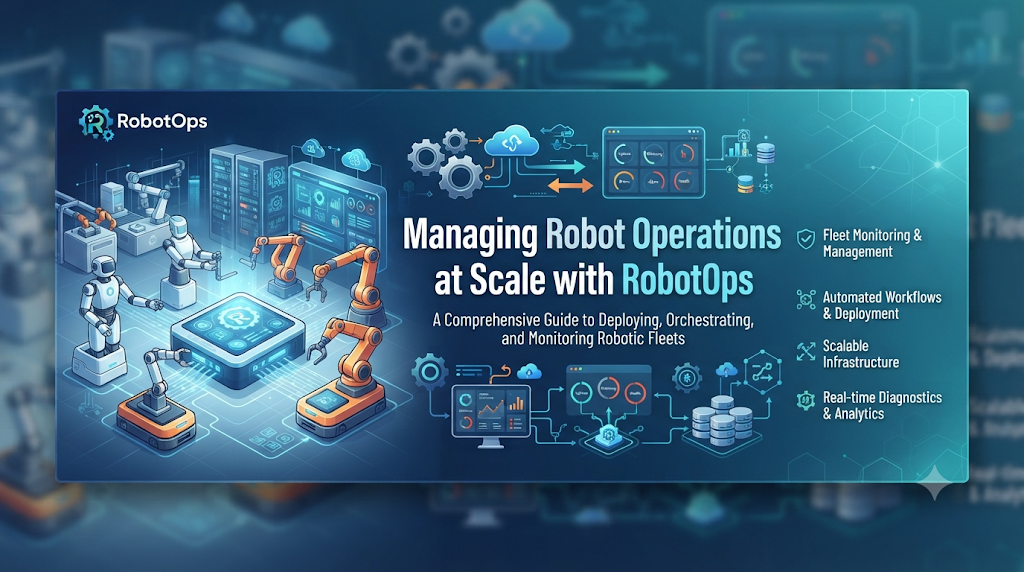
Operating robots in the real world is very different from running code on cloud servers. When a software bug happens in the cloud, engineers can restart a container or roll back a deployment in seconds. When a software bug happens on an autonomous mobile robot in a busy warehouse or a delivery robot on a public sidewalk, the stakes are much higher. The robot might stop moving, block traffic, lose localization, or require a physical rescue by a technician.
As fleets grow from a handful of test units to hundreds or thousands of deployed machines, manual monitoring becomes impossible. This is where centralized robot operations platforms come into play. Understanding how to manage robotic infrastructure efficiently helps engineering teams reduce downtime and scale their deployments safely.
What Is RobotsOps?
Technical term: RobotsOps (Robot Operations)
Simple meaning: The set of practices, tools, and workflows used to manage, monitor, update, and secure robots throughout their operational lifecycle.
Why it matters: It bridges the gap between traditional software DevOps and physical robotics, ensuring that robot fleets remain reliable, updated, and safe in dynamic real-world environments.
RobotsOps combines principles from DevOps, site reliability engineering (SRE), and fleet management. It deals with the unique challenges of physical hardware, intermittent wireless connectivity, battery management, sensor degradation, and complex ROS (Robot Operating System) software stacks running on edge computers.
Why Managing Robot Fleets Matters
Deploying physical robots involves high capital expenditure and strict safety requirements. Without a robust operations framework, organizations face several critical bottlenecks:
- Blind spots in the field: If a robot loses connection or encounters an unknown obstacle class, engineers need immediate visibility into sensor logs and system health to diagnose the root cause.
- Risky software updates: Pushing a broken navigation algorithm update to a fleet of outdoor delivery bots can cause widespread operational halts.
- Hardware wear and tear: Unlike cloud virtual machines, physical components degrade. Motors overheat, LiDAR sensors get dirty, and batteries lose capacity over time.
- Compliance and safety: Regulations require audit trails for robot safety systems, emergency stop behaviors, and navigation logs.
A structured operations platform helps teams move from reactive firefighting—where technicians rush to fix individual broken robots—to proactive fleet health management.
How RobotsOps Works in Practice
Managing robotic infrastructure requires a continuous loop of data collection, remote monitoring, and automated deployment.
1. Fleet Telemetry and Monitoring
Robots continuously generate vast amounts of data, including CPU usage, battery health, wheel odometry, safety-zone triggers, and diagnostic error codes. Because cellular or Wi-Fi bandwidth in the field can be limited or expensive, efficient systems stream lightweight health metrics in real-time while queueing heavy sensor bag files for offloading when connected to high-speed base station Wi-Fi.
2. Over-the-Air (OTA) Software Delivery
Updating software on edge hardware requires atomic, fail-safe mechanisms. If an update fails halfway through due to a sudden power loss or network drop, the robot must be able to automatically roll back to its previous stable partition rather than bricking the onboard computer.
3. Remote Teleoperation and Intervention
When a robot gets stuck in a corner or encounters an ambiguous navigation barrier, local autonomy may require human assistance. Secure remote teleoperation tools allow operators to view camera feeds with low latency and send high-level path correction commands to guide the robot out of trouble.
Core Components of an Operations Pipeline
A reliable robot operations setup typically relies on several integrated layers:
- Edge Compute Management: Monitoring container health, Docker images, and system resources on onboard computers (such as NVIDIA Jetson or industrial PCs).
- Map and Configuration Distribution: Managing spatial maps, navigation costmaps, and calibration profiles, and syncing them across the fleet as environments change.
- Incident Ticketing and Alerts: Automatically flagging anomalous behaviors—such as frequent motor stalls or localization drift—and notifying the on-call robotics engineer.
- Security and Access Control: Managing cryptographic keys, secure VPN tunnels, and user permissions to prevent unauthorized access to robot controls.
Practical Example: Handling a Navigation Failure
Imagine an autonomous mobile robot operating in a manufacturing plant. It suddenly stops near a production line, reporting a persistent obstacle blockage even though the path ahead is clear.
- Detection: The robot’s onboard monitoring daemon detects that the local costmap is saturated with false positives from a dusty LiDAR sensor.
- Alert: An event is triggered and sent to the central dashboard, alerting the robotics operations team.
- Diagnosis: An engineer opens the platform, reviews the diagnostic logs, and identifies the sensor obstruction error.
- Resolution: Instead of sending a technician across the facility, the engineer triggers a remote diagnostic script to clear the LiDAR cache and reboot the sensor driver, restoring normal operations within seconds.
Common Challenges and Mistakes
Teams building out their robotics infrastructure often run into predictable pitfalls:
- Ignoring bandwidth limits: Trying to stream raw high-definition video continuously from every robot quickly overwhelms cellular networks and drives up data costs.
- Skipping staged rollouts: Pushing software updates to the entire fleet simultaneously instead of testing on a canary group of robots first.
- Treating robots like servers: Forgetting that physical robots interact with unpredictable human environments, requiring safety fallbacks that pure software systems do not need.
- Poor log management: Accumulating gigabytes of unstructured log files on onboard storage until the disk fills up and causes system crashes.
Frequently Asked Questions
What is the difference between DevOps and RobotsOps?
DevOps focuses on software development, cloud infrastructure, and automated deployment pipelines. RobotsOps includes those software practices but adds heavy emphasis on physical hardware management, edge computing, wireless connectivity constraints, safety compliance, and sensor telemetry.
Do small robot fleets need a dedicated operations platform?
For fleets of fewer than five robots, manual SSH access and basic scripts may suffice. However, as fleets scale past ten units or operate across multiple remote sites, centralized monitoring becomes essential to prevent operational bottlenecks.
How is security handled for connected robots?
Robots are mobile edge devices vulnerable to physical tampering and network interception. Secure operations rely on encrypted communication channels (such as VPNs or secure MQTT/TLS protocols), signed software binaries for OTA updates, and secure boot configurations on onboard hardware.
Conclusion
Managing robots outside the laboratory requires specialized infrastructure that bridges software engineering and physical hardware maintenance. By implementing reliable telemetry, safe over-the-air updates, and proactive health monitoring, engineering teams can keep their fleets running smoothly, minimize costly physical interventions, and scale their robotics operations with confidence.

